
Most small businesses have at least one shared login. The booking system, the supplier portal, the social media account, sometimes the main company email. One password, written on a sticky note or pinned in a group chat, known by everyone who has ever worked there.
It is convenient, and it works, right up until someone leaves. Then nobody can say with confidence what they still have access to, and changing the password means telling everyone else the new one, through the same group chat.
Moving off shared logins is less work than most owners expect. It does not require a security budget, just an afternoon and a little discipline afterwards.
Why shared logins are a problem
There are three separate issues, and it helps to see them separately.
- You cannot remove one person. When a shared password is the only way in, taking access away from one person means changing it for everyone.
- You cannot see who did what. If something is changed or deleted, the system records "the account", not a person.
- The password spreads. It gets reused, written down, forwarded and saved in browsers on personal phones, and every copy is a way in.
None of these is dramatic on an ordinary day. They matter on the day something goes wrong, which is exactly when you want answers quickly.

Step 1: list what you have
Write down the online accounts the business depends on: email, booking or job software, accounting, payments, the website and domain, social media, supplier portals. Next to each, note who uses it and whether they have their own login or share one.
This list is the same starting point as the asset inventory in our Cyber Essentials post, and most owners find at least one account they had forgotten about.
Step 2: give people their own logins where you can
Most business software allows several users, often with different permission levels. Where it does, give each person their own account with only the access they need. The owner or a manager keeps administrator rights; everyone else gets what their job requires.
Sometimes this costs a little more, because some tools charge per user. That cost is usually small next to the trouble a shared account causes, but it is a real decision, and it is reasonable to make it tool by tool.
Step 3: put the rest in a password manager
Some accounts genuinely cannot be split, or are not worth splitting. For those, store the password in a password manager that the business controls, shared only with the people who need it. Nobody has to remember it or write it down, and when it needs changing, it changes in one place and everyone who should have it gets the new one automatically.
Choose one that supports shared business vaults, and make sure the business, not an individual, owns the account.
Step 4: turn on two-step verification
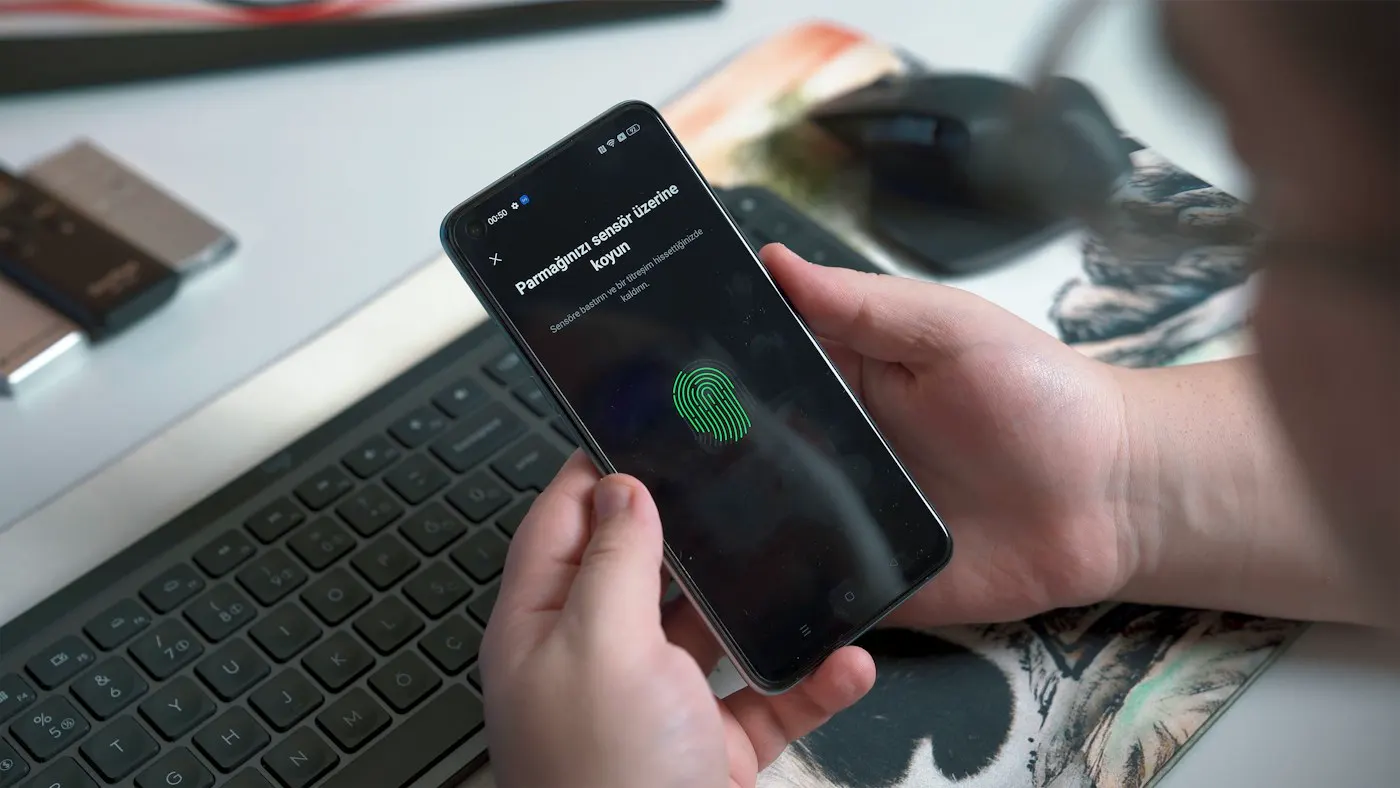
Two-step verification means a password alone is not enough to log in; the person also needs a code from their phone or an authenticator app. It blocks most attempts to take over an account with a stolen password.
Start with email. Email is the key to resetting almost every other account, so it is the one an attacker most wants. Then add it to anything that holds customer data or money.
The payoff: when someone leaves
With individual accounts and a password manager in place, offboarding becomes a short checklist: switch off the person's accounts, remove them from the password manager, and change any shared passwords they had access to. Ten minutes, rather than a weekend of wondering.
When we build software for a client, every user gets their own login and the business controls who has access. If one of your current tools only works with a shared password, it is worth asking whether that is a limit of the tool or just how it was set up.