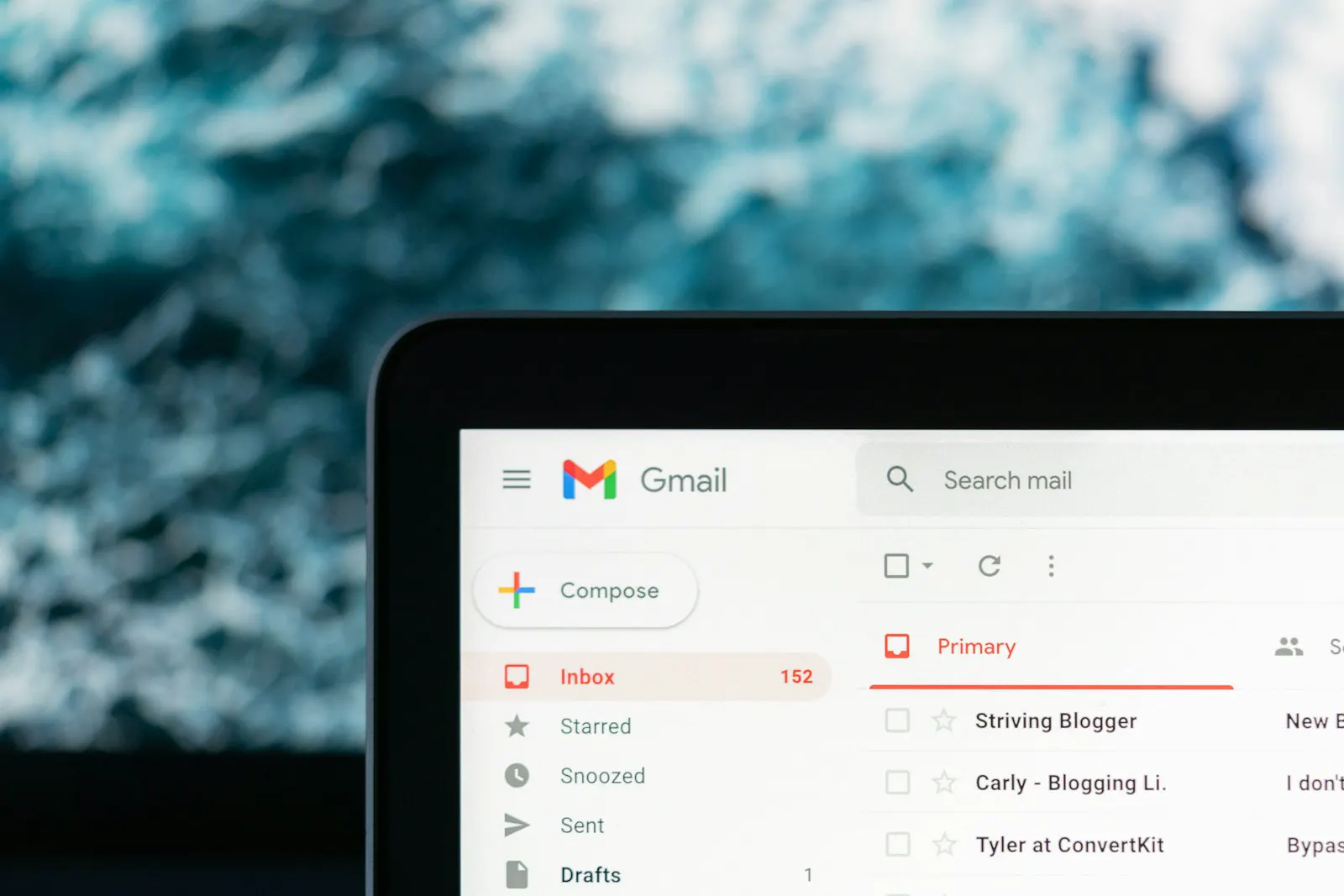
A customer sends a WhatsApp message asking about a job. Two days later they email a photo. Then they call to ask whether the quote is ready. Then they fill in the website form, having forgotten they already got in touch.
That is one customer and one job, spread across four places. The person who replied to the WhatsApp may not be the one who answers the phone, and neither of them knows about the form.
Most service businesses will recognise this. It is not a sign of disorganisation. It is what happens when customers are free to contact you however suits them, which is exactly what you want.
Why "please use one channel" does not work
The tempting fix is to ask customers to stick to one channel. Put "for enquiries, email only" on the website and hope.
It rarely works. Customers use whatever is in front of them, and the business that is easy to reach wins work from the one that is not. Asking customers to change their habits moves the inconvenience onto the people paying you.
The better approach is to accept every channel at the front and bring everything together behind the scenes.

Four levels of bringing it together
1. A shared list
The simplest version: every new enquiry gets one line in a shared list, whichever way it arrived. Name, contact, what they want, which channel, and the current status. A shared spreadsheet is fine.
It is unglamorous and it works, with one condition: everyone has to use it, every time. The moment one person keeps enquiries in their head or their own phone, the list stops being the truth.
2. A shared inbox
Email and website form submissions should not land in one person's personal account. A shared inbox, or a single enquiries address several people can see, means nothing waits for someone to come back from leave.
3. A simple CRM
A customer relationship manager sounds like enterprise software, but the useful part is simple: one record per customer, with every message, note, quote and job attached to it. When the customer calls, whoever answers opens one record and sees the whole history.
For a small team the CRM can be very light. It needs customers, enquiries, a status for each, and somewhere to write notes. Anything beyond that can come later.
4. Automatic capture
The final step removes the copying. New website enquiries, emails to the enquiries address and, where the platform allows it, messages from business messaging accounts land in the CRM automatically, attached to the right customer.
This is where the time saving really appears, and it is also where accuracy improves, because nothing depends on someone remembering to copy a message across.

Which level do you need?
Start with the lowest level that solves the problem you actually have. A one-person business with a few enquiries a week may need nothing more than a shared list it keeps up honestly. A team of five fielding enquiries across three channels will feel the difference of a CRM within a week.
The test is the same at every size: when a customer calls, can whoever answers the phone see everything that customer has said and been sent, in under a minute? If not, enquiries are living in too many places.
We build the lighter end of this regularly: routing website enquiries and emails into a simple CRM, without asking customers to change how they reach you. Connecting one channel to one place is a good-sized first Automation Sprint, and a useful one to get right before adding anything else.